

1
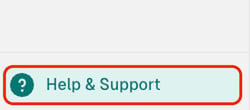
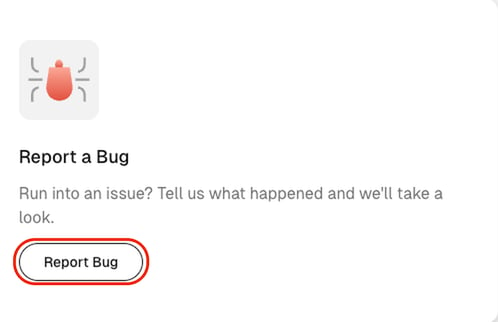
Open the Report a Bug dialog from the avatar menu or from the sidebar.
Click your avatar, then click Report a Bug.
2
Complete the three required fields. Send Report stays unavailable until you do.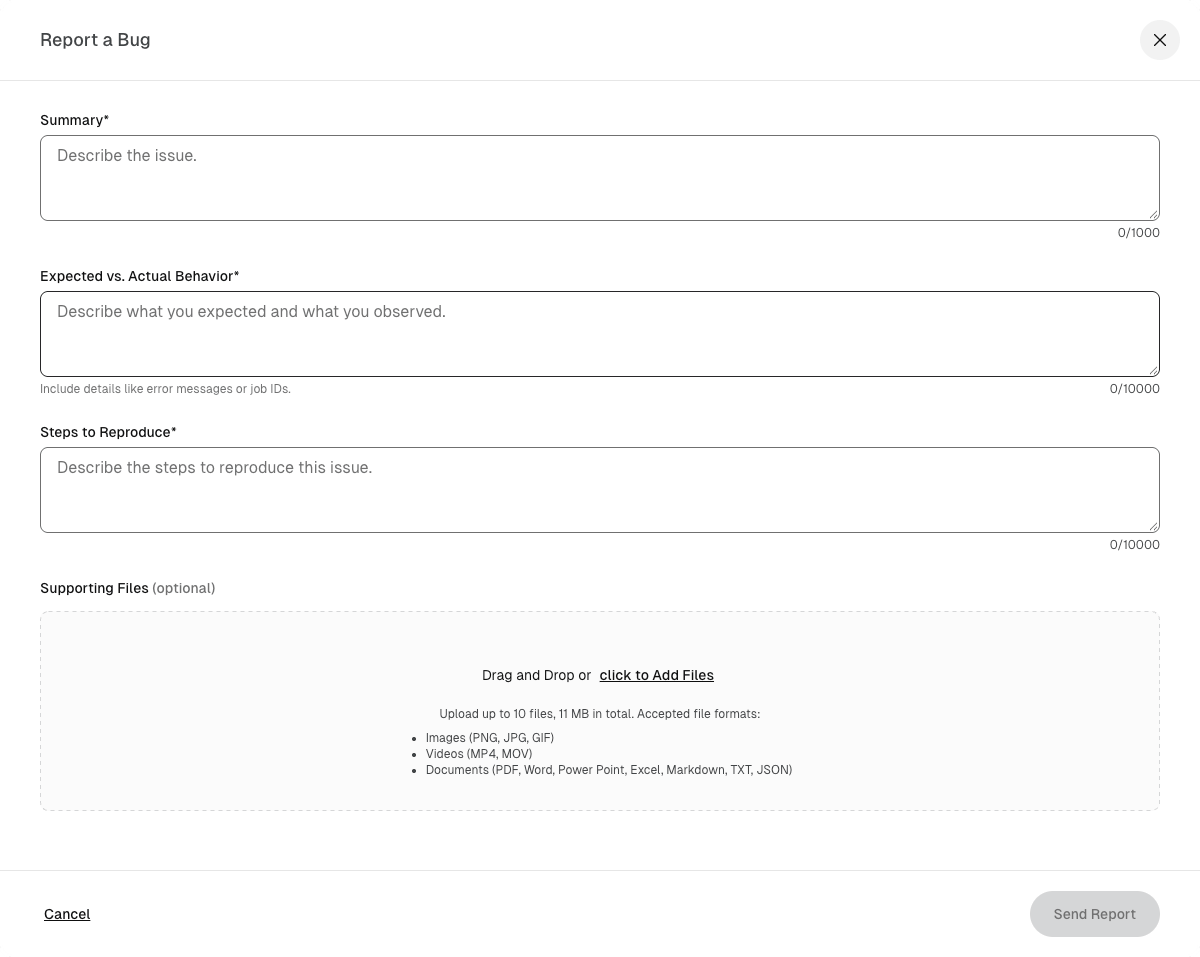
3
Optionally, add files that show the problem. Drag files into the Supporting Files area, or click the area and choose files from your computer. You can attach up to 10 files, with a combined size of 11 MB. SeekrFlow accepts images (PNG, JPG, GIF), videos (MP4, MOV), and documents (PDF, Word, PowerPoint, Excel, Markdown, TXT, JSON).
4
Click Send Report. A confirmation message appears at the bottom of the page.