

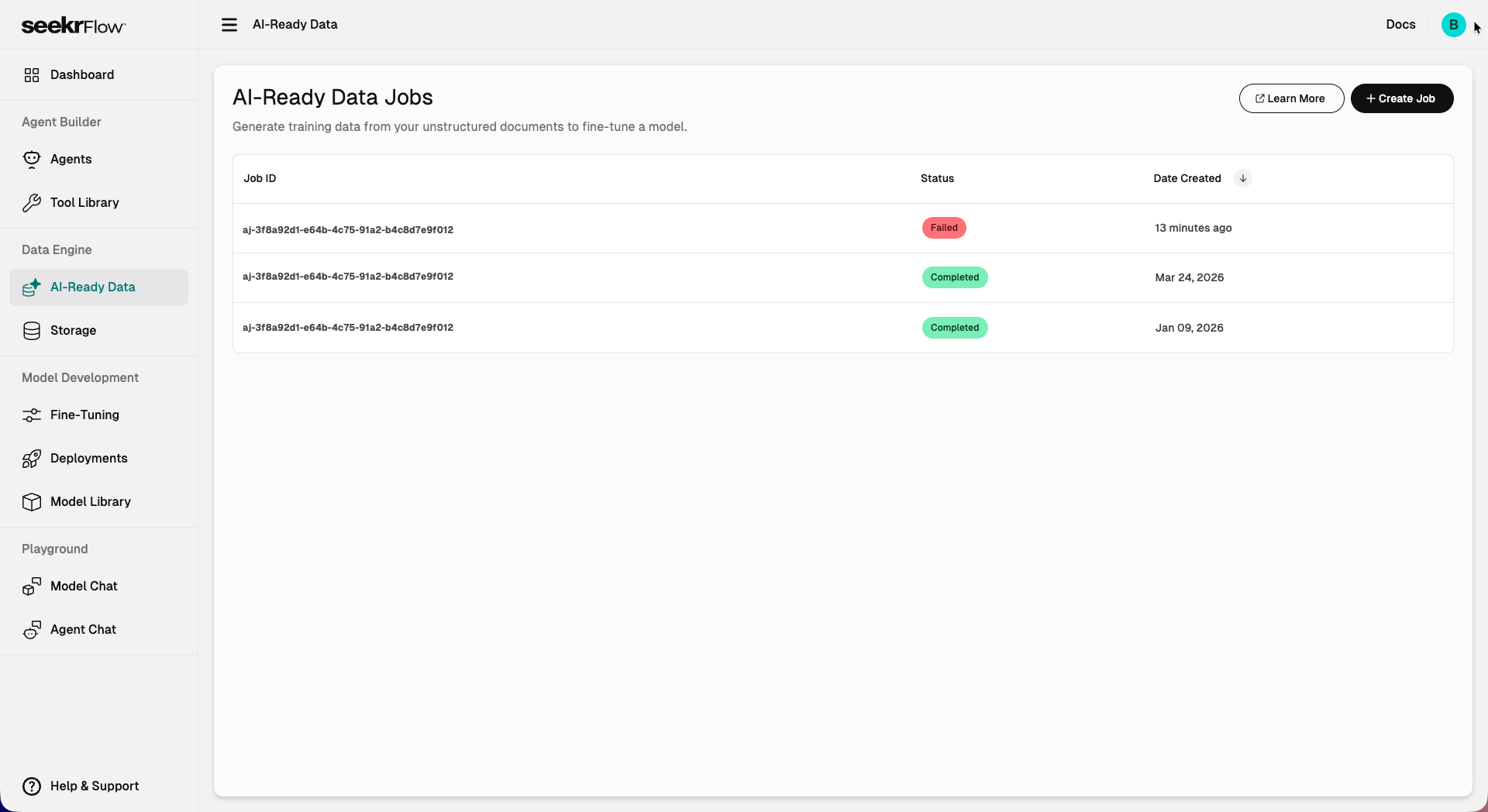
Create an AI-Ready Data job
1
Navigate to Data Engine > AI-Ready Data.
2
Click + Create Job.
3
In the Define Goal and Upload Data Sources step:
- Enter your fine-tuning goal. Describe the outcome you want to achieve with your fine-tuned model. For example: “I’m developing a chat assistant that must align with the ethical standards and organizational values of my company brand.”
- Upload your data source files. Drag and drop or click Browse. You can upload up to 10 files at a time. Accepted file formats: PDF, Word, Markdown, JSON. Maximum size 100 MB per file.
4
Click Next to review your setup.
5
On the Confirm and Start Job page, review your fine-tuning goal and data sources, then click Start Job.
Ingestion modeAI-Ready Data jobs always use speed-optimized ingestion. To use accuracy-optimized ingestion, use the SDK instead.
Job status
Each job moves through the following states:Output
Once a job completes, the generated training dataset is automatically saved to:- The AI-Ready Data page
- Data Engine > Storage
Next steps
- Create a fine-tuning job – Use your generated dataset to train a model
- Storage – View and manage your files and generated outputs